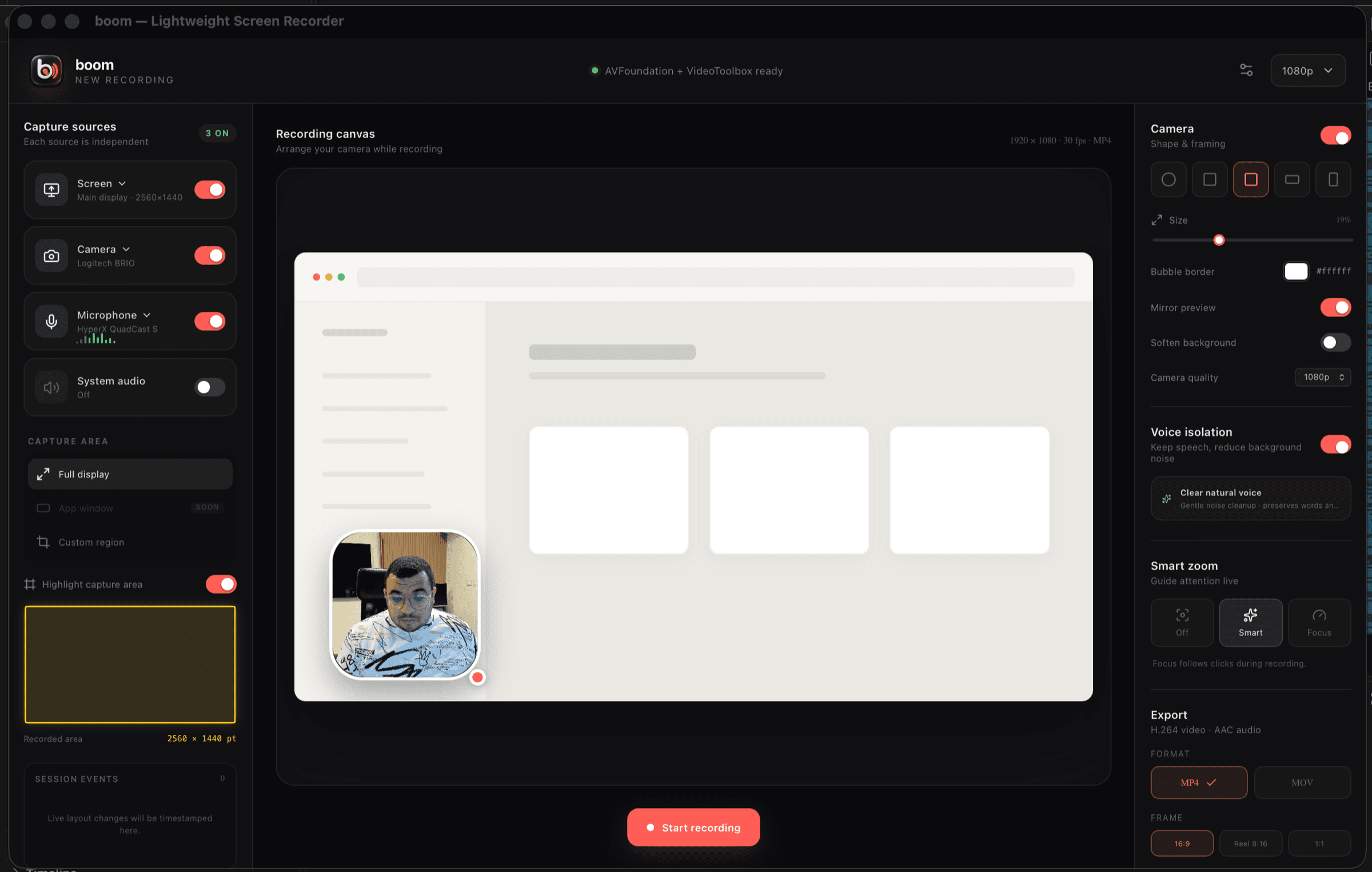
Camera, composited live.
Your bubble is burned into the video as it records — circle, square, rounded, landscape or portrait, mirrored or not, with a custom border colour. Drag it anywhere; resize it mid-recording.
boom composites your camera, isolates your voice and normalises loudness while it records — so there’s no editing step afterwards. A 14 MB native app that never uploads your screen anywhere.
Apple Silicon · macOS 12+ · 7.5 MB
 Camera only
Why there’s no editing step
Every other recorder hands you a raw file and a second app. boom does the work in the capture pipeline instead.
Your bubble is burned into the video as it records — circle, square, rounded, landscape or portrait, mirrored or not, with a custom border colour. Drag it anywhere; resize it mid-recording.
RNNoise strips keyboard clatter and room hum, then loudness normalisation brings your voice to a consistent broadcast level. On by default.
Stop recording and the finished MP4 or MOV is already in your folder. No render queue, no upload, no “processing…” screen.
Sources & framing
Whole display, a single window, or a dragged region.
Pick which screen; boom follows it.
Screen, camera, microphone and system audio — each toggled independently during the recording.
Paused stretches are simply absent from the file.
Automatic punch-ins on the action.
720p, 1080p or 2K, in 16:9, 9:16 or 1:1.
Reel view
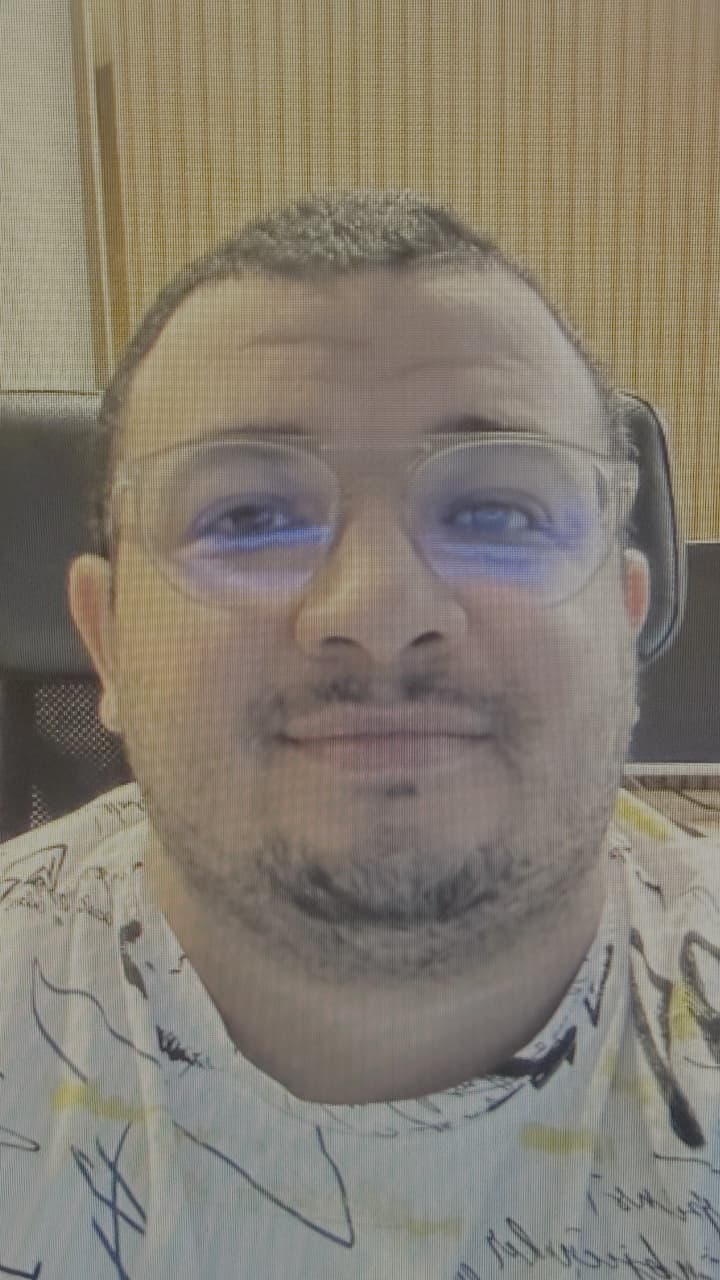
Flip boom into reel view and the window becomes a 9:16 camera-only frame — the exact crop your reel will have, live, before you press record. Talk to the lens, stop, and the vertical MP4 is already the right shape for Reels, Shorts and TikTok.
Camera-only capture. No screen behind you — just the framed shot, composited and cropped as it records.
Floating controls. Pause, mute, snapshot, smart zoom and stop, all on the frame. Drag it anywhere on screen.
Voice isolation still on. Same RNNoise pass and loudness normalisation as a full recording.
Camera only · 9:16Reel view · 1080 × 1920 out
Under the hood
boom is Rust and Tauri. It uses AVFoundation and VideoToolbox for hardware-accelerated capture and encoding, so recording a 4K display doesn’t heat your laptop the way a browser-based recorder does.
The app window hides itself from your own capture. It signs itself with a Developer ID certificate.
Privacy
Your screen never leaves your machine. boom has no server, no account system and no analytics. The recording is written straight to a folder you choose.
Questions
The things people ask before downloading, answered plainly.
Download
macOS ships today. Windows and Linux are on the roadmap — leave an address and we’ll write once, when the build is real.
Before you download. This beta needs FFmpeg present on the machine — install it with brew install ffmpeg before recording. A self-contained build with FFmpeg bundled is coming in the next beta.
Signed, notarised, 14 MB installed. Records the moment it opens.
The capture pipeline is being ported to Windows Graphics Capture.
No build yet · one email, then silence
Encoding is portable; the screen grabber is the last piece.
X11 capture landing first